
Migrating legacy documentation
Data migration made easy
We reliably migrate your existing documents to a new authoring environment, format, or component content management system (CCMS), enabling you to continue working quickly and efficiently.
Why data migration becomes necessary
Data migration is often required when you introduce a new format, authoring environment, or CCMS for your technical documentation. This allows you to create modular content, reuse it efficiently, and deliver it to your customers in a targeted way. However, existing documents frequently remain in the legacy structure and must be transferred to the new environment.
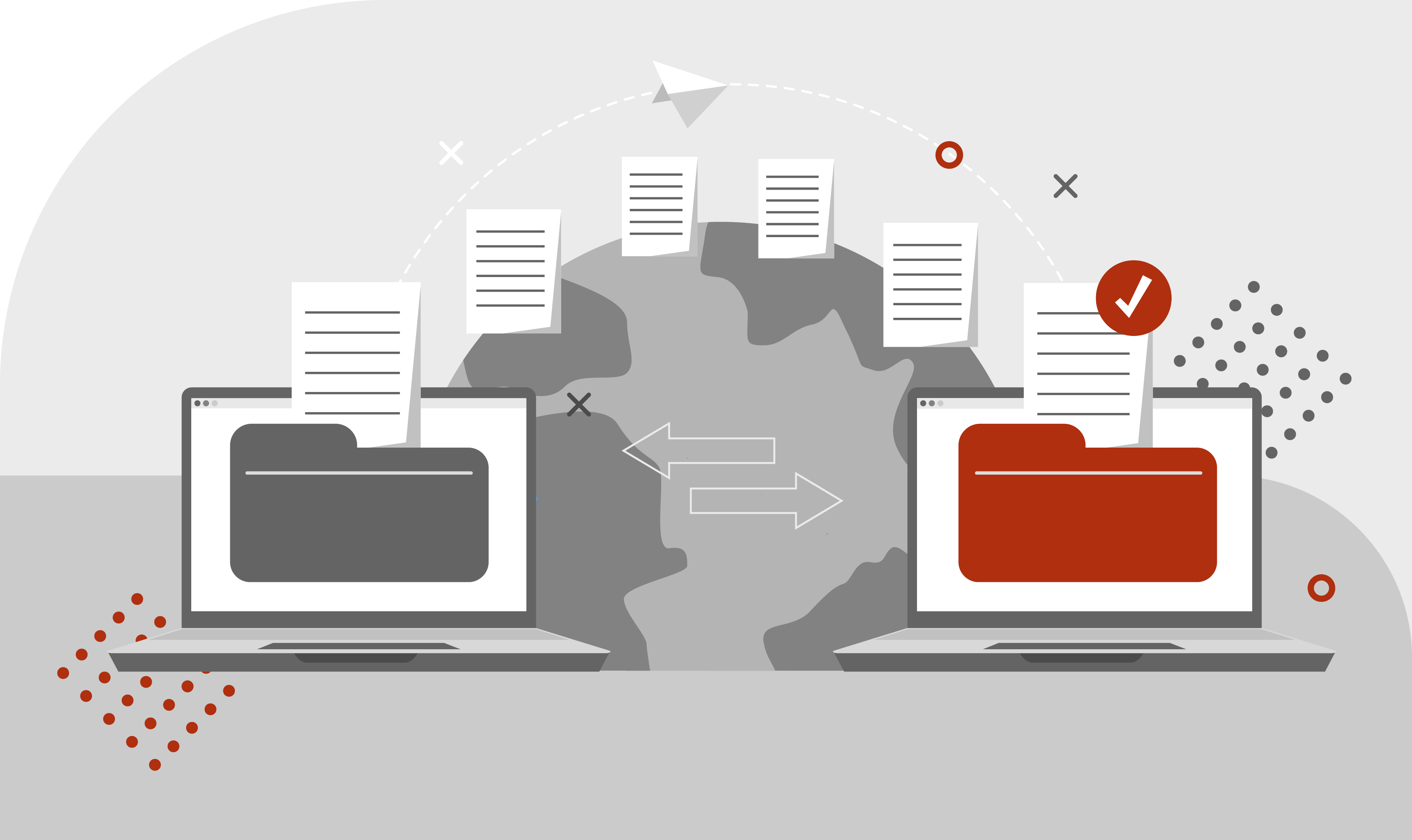
Migrate legacy documents with parson
We support you throughout this process by efficiently migrating your legacy documentation, for example, by developing scripts to convert content into a new XML format. In addition, we take care of technical writing tasks so that you can become productive in your new authoring environment as quickly as possible. This is how we work.
Your contacts
Migration of legacy documentation






Data migration made easy. This is how we work
- Analyze legacy data. We analyze the legacy data and verify the desired target format.
- Write scripts. We program scripts to convert content or legacy data into XML or other formats, for example for the migration from Word, LaTeX, and FrameMaker.
- Editorial work. Our technical communicators can help you restructure legacy documentation from large documents into smaller topics.
- Implement content reuse. We analyze the existing documentation to identify reuse potential so that you can efficiently use the content in your new authoring environment.
- Add metadata to content: We add metadata for filtering and delivery to the existing content according to the metadata concept of the new authoring environment.
Learn more about data migration in our FAQs.
By the way: We use content engineering to structure and organize content according to a content and metadata model. In this way, we can help you adapt existing content to new publication channels or authoring environments. Learn more about parson's content-engineering method.
FAQs – Frequently asked questions about migrating legacy documentation
FAQs – Frequently asked questions about migrating legacy documentation
How long does it take to migrate legacy documentation to a new CCMS or CMS?
How long the data migration process takes depends on several factors, including:
The format in which the documentation was created
The format required by the new authoring environment
The amount of content that needs to be migrated
The extent to which the documentation must be restructured because the underlying information architecture has changed. If you use scripts and tools to convert from one format to another – for example, from Word to DITA-XML – you can reduce the migration effort. However, you must allow time to review the results and do post-editing. If you cannot use scripts for the conversion, but need to restructure legacy content, then this usually involves manual work and is therefore time-consuming. Optionally, you can speed up the process by combining script-based conversion to the new format with subsequent restructuring.
We work with you to determine the best approach for your project. We start by analyzing all constraints and requirements. We often develop a prototype to perform a migration test. This allows us to verify the feasibility of the migration and estimate the time required.
Is it possible to migrate legacy documentation manually?
You could migrate all documents manually. However, consider the amount of content that needs to be migrated. If the content exists in multiple languages, we recommend that you migrate only the master language and retranslate the other languages. Keep in mind that manual migration requires people to do it. In addition, the people responsible for migrating the content must have basic knowledge of both the source and target systems.